


- The course runs for 5 weeks, with 3-hour sessions twice weekly. It's designed to fit around your work or study schedule, with plenty of time for practice.

IT Products & Trainings page
Begin Your Web Development Adventure
Ready to create websites that wow? Our Basic Web Development Training is crafted for beginners who want to dive into the world of coding. Learn how to build websites using HTML for structure, CSS for style, and JavaScript for interactivity. Through fun projects, like designing a blog or a small business homepage, you'll gain practical skills to start your tech journey. Our experienced trainers make complex concepts simple, ensuring you leave with confidence and a portfolio to show off.
Hands-On Coding
Beginner-Friendly
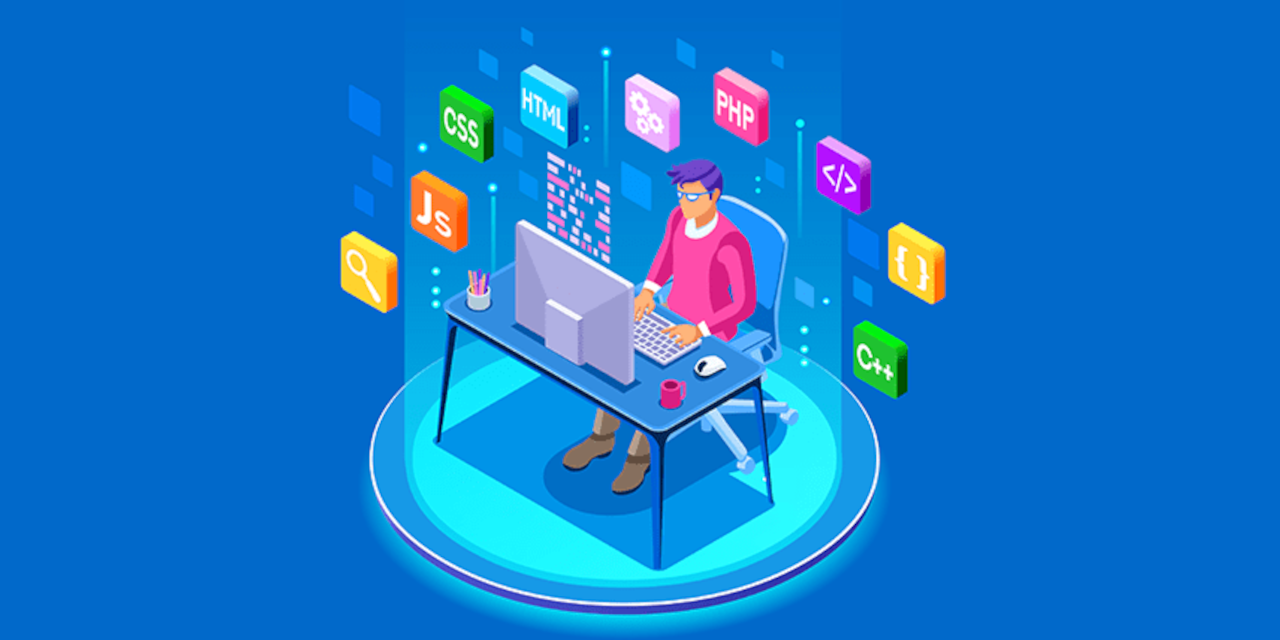
Key Building Blocks of Web Development
- HTML: Craft the skeleton of your web pages.
- CSS: Add colors, fonts, and layouts to make sites pop.
- JavaScript: Bring your pages to life with clicks and animations.
What You'll Learn
Core Topics Covered
Overview
- This course is your first step into web development. You'll learn to create websites that work on desktops and phones, starting with HTML to organize content, CSS to style it, and JavaScript to add features like contact forms. Picture building a website for a local cafe by the end, you'll know how to make it look great and function smoothly. Our trainers, who have built sites for real clients, share tips you won't find in online tutorials.
Course Details
Kickstart Your Career in Web Development
This course is designed for anyone eager to break into tech, including:
Aspiring Developers
Entrepreneurs
Digital Marketers
Students
Freelancers
Tech Enthusiasts
Benefits of Web Development Training
- Build real websites to show employers or clients, like a portfolio or e-commerce page.
- Learn skills that power millions of websites, from startups to global brands.
- Get personalized feedback from trainers who have coded for real-world projects.
- Boost your resume with a certificate that proves your coding skills.
- Explore career paths like front-end development or freelancing from home.
- Create mobile-friendly sites that look great on any screen size.
- Gain confidence to tackle coding challenges with practical experience.
Course Prerequisites
No coding experience required! Just bring a laptop and a willingness to
learn. If
you can browse the web or use apps like Notepad, you're ready. We teach
everything
from scratch, so you'll feel at ease even if you've never coded before.